vs
StreamYard or OBS?
Find your match
New to streaming? It's important to choose the right tool, and StreamYard is a great first step!

StreamYard vs. OBS Studio
What's best, a simple browser-based option like StreamYard, or a powerful open-source tool like OBS? Here's how they compare - and why StreamYard is the best option for beginners.

Browser based, zero setup
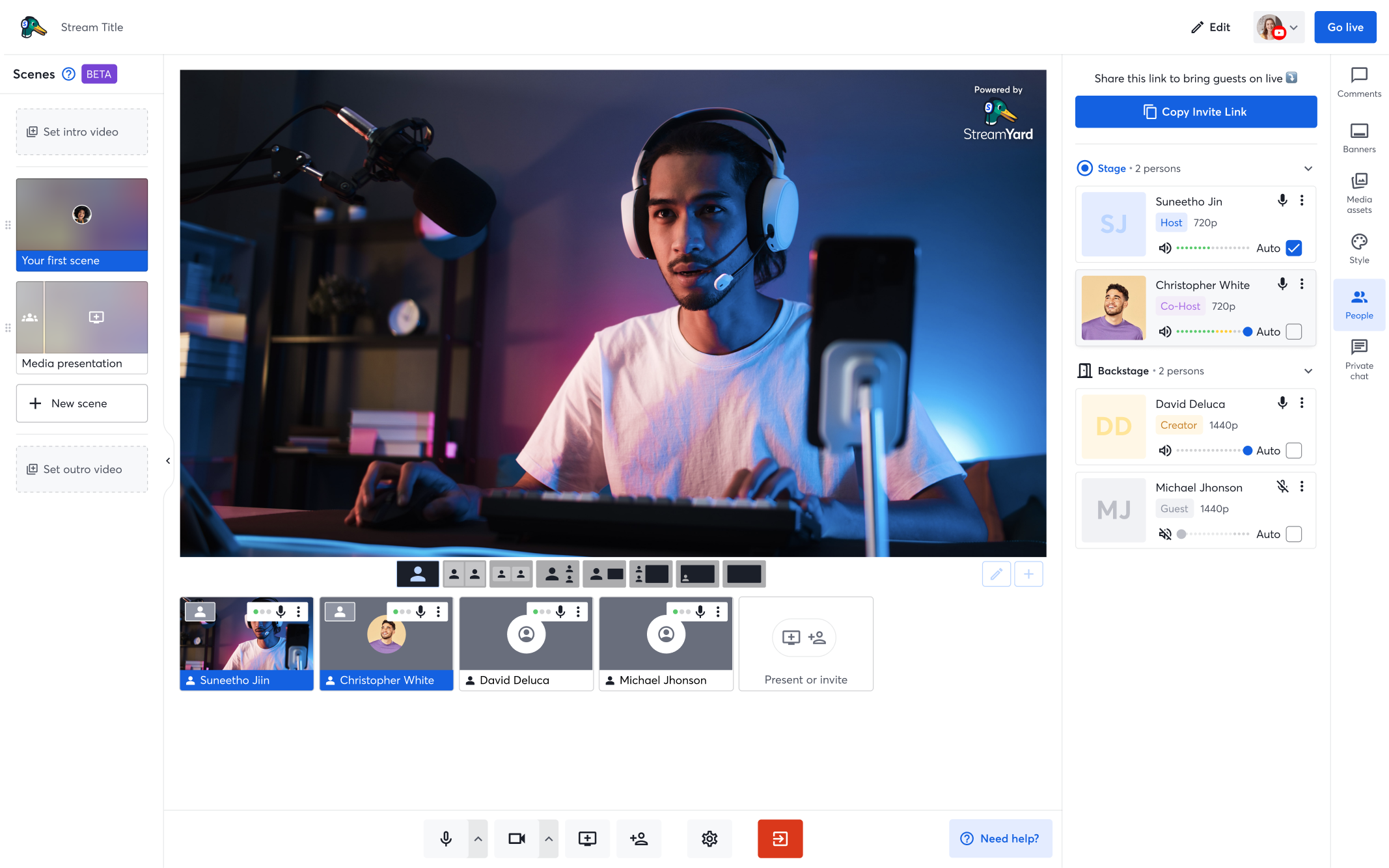
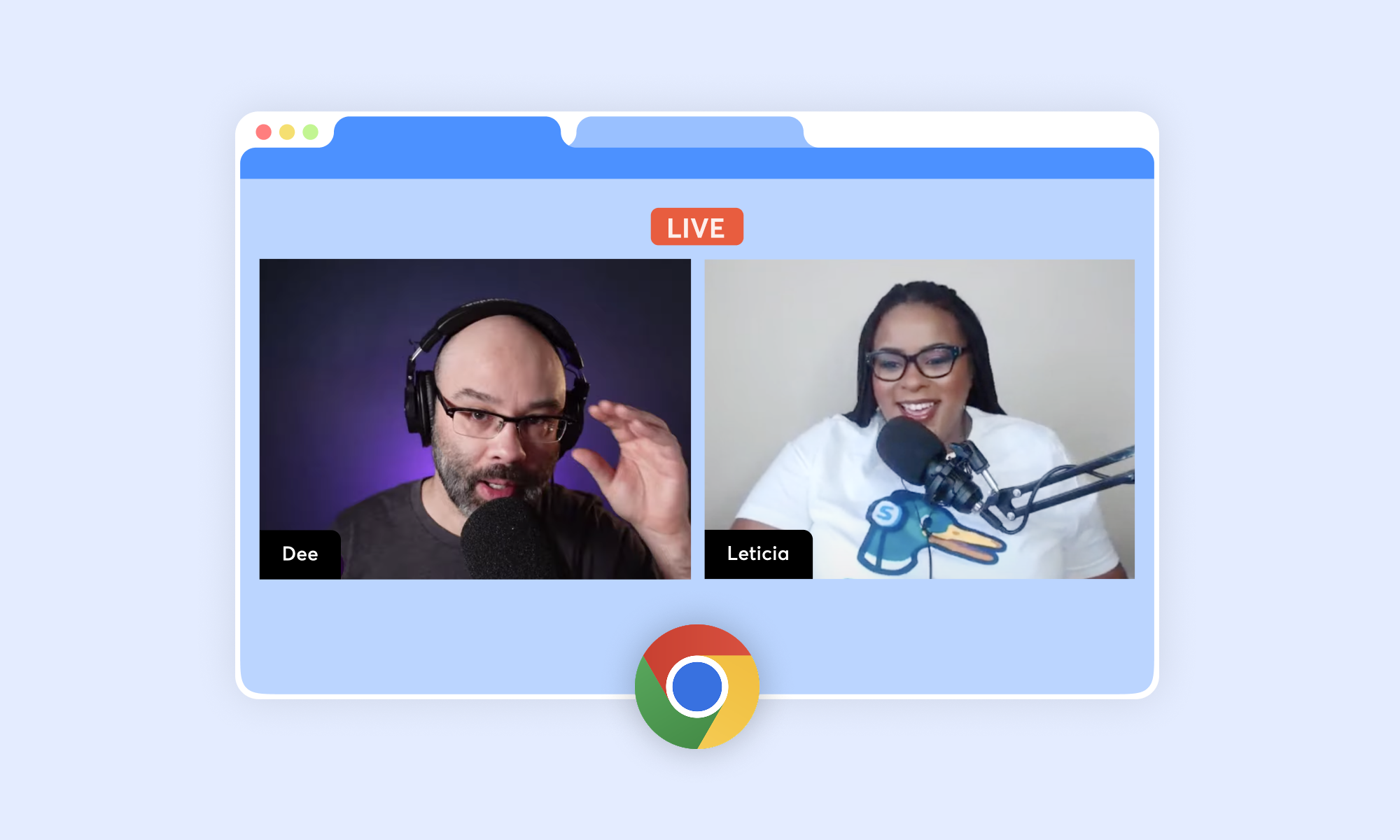
Getting started with StreamYard is easy - just sign into StreamYard on your browser, select a streaming destination, and go live! No downloads or installs.
Complex install & setup
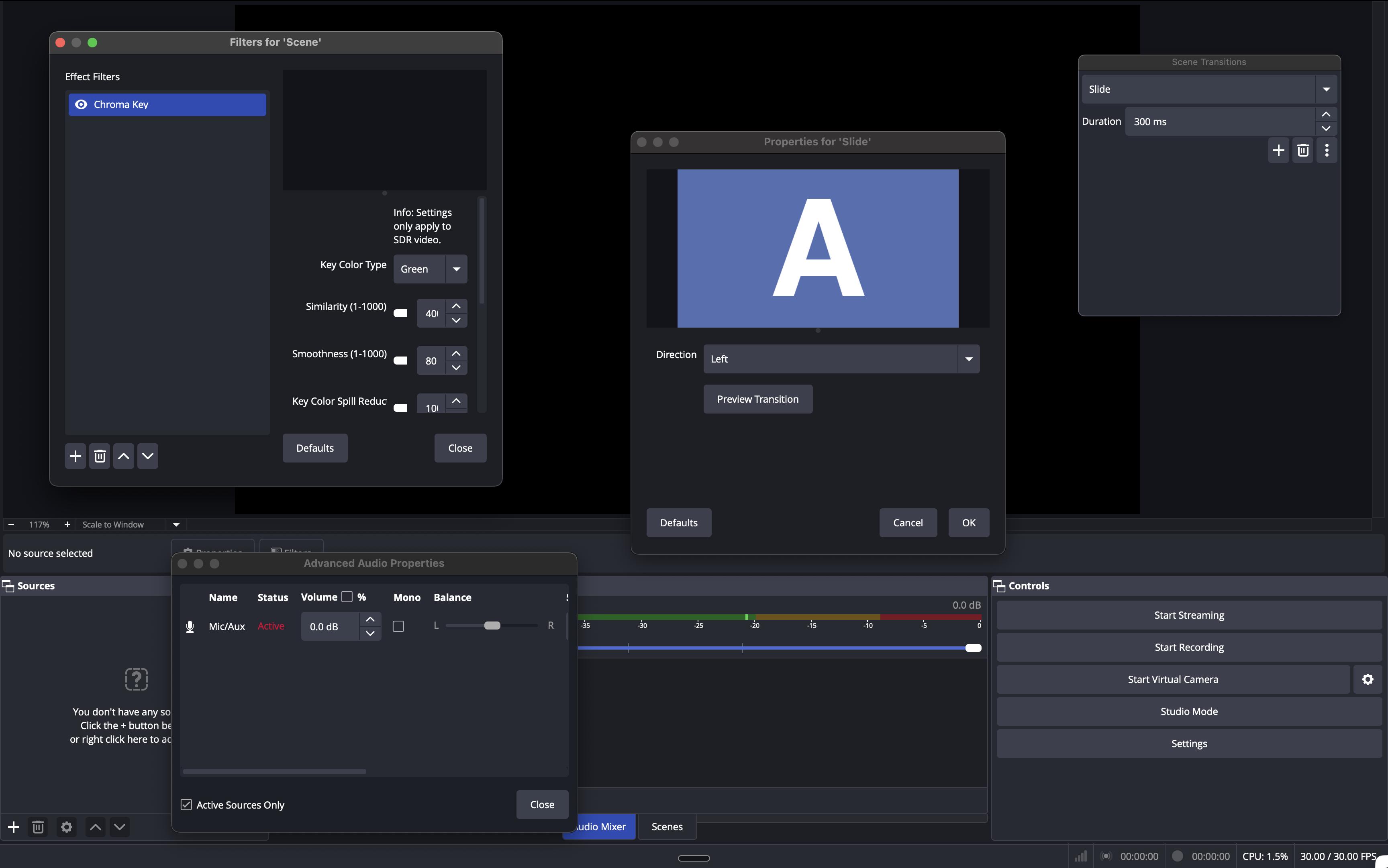
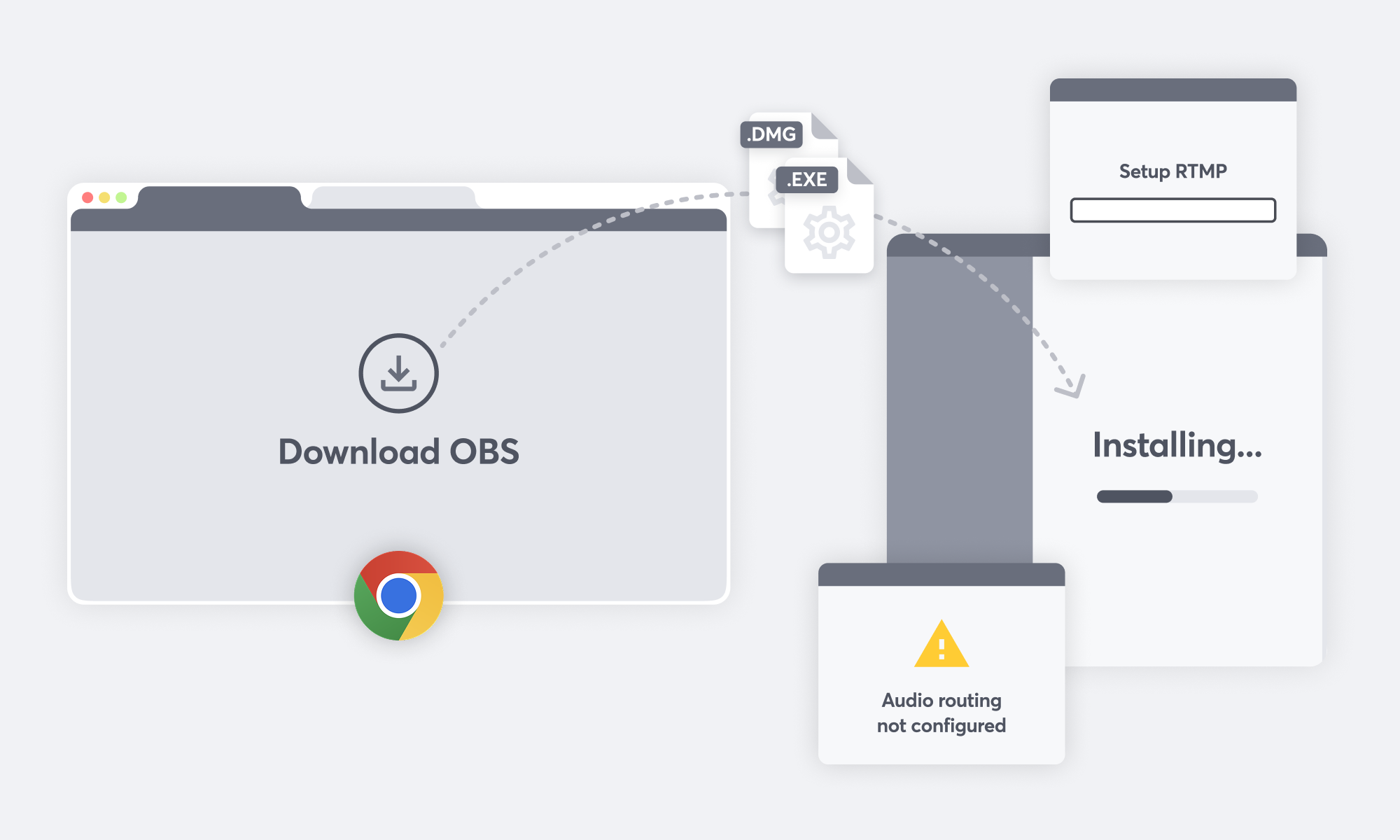
To use OBS, you first need to download and configure it. The complex set-up process (managing sources, audio routing, and bitrate) can be overwhelming for beginners.
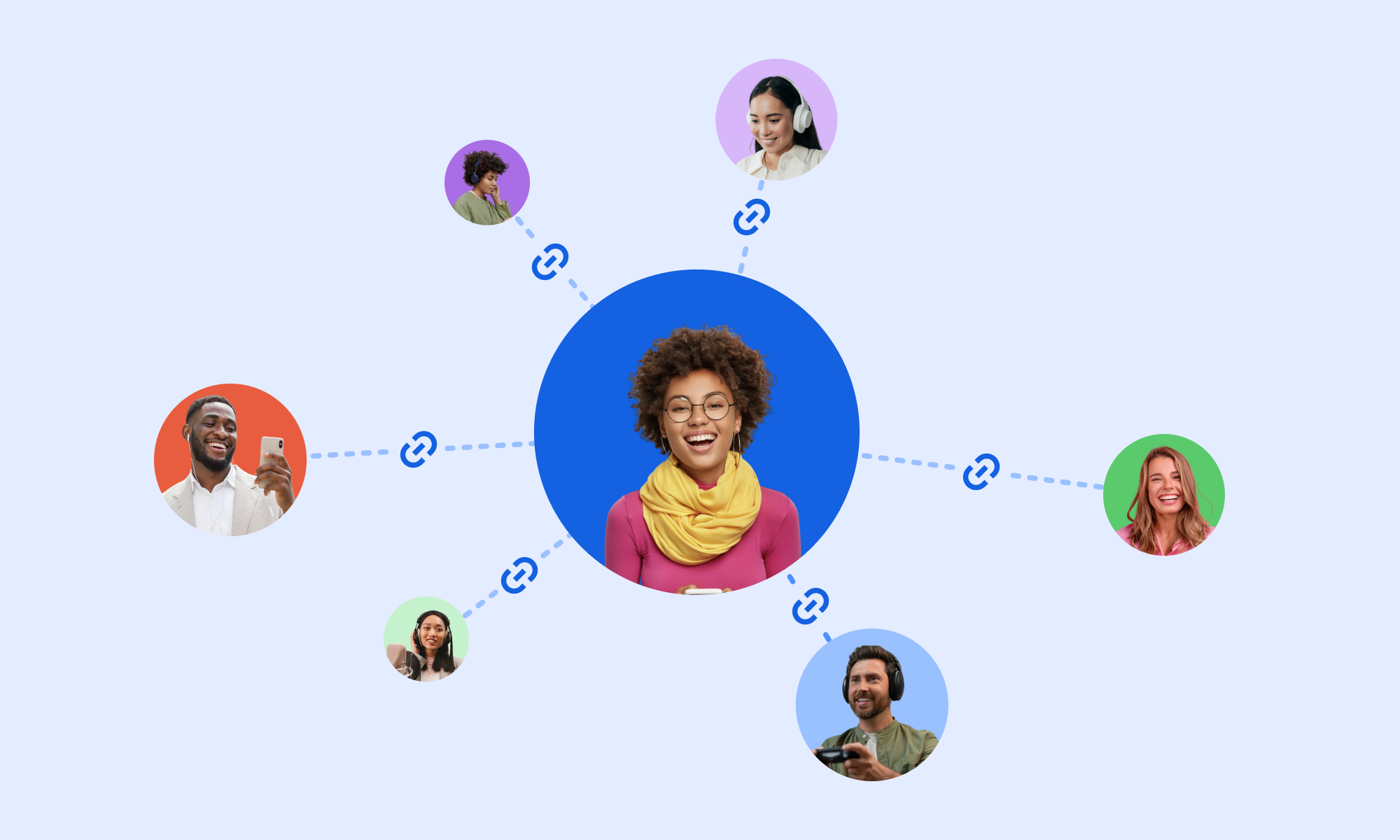
Easy guest management
Inviting guests to your stream is as simple as sending them a link! They can join directly from any - no account or install needed. Host up to 10 guests at a time.
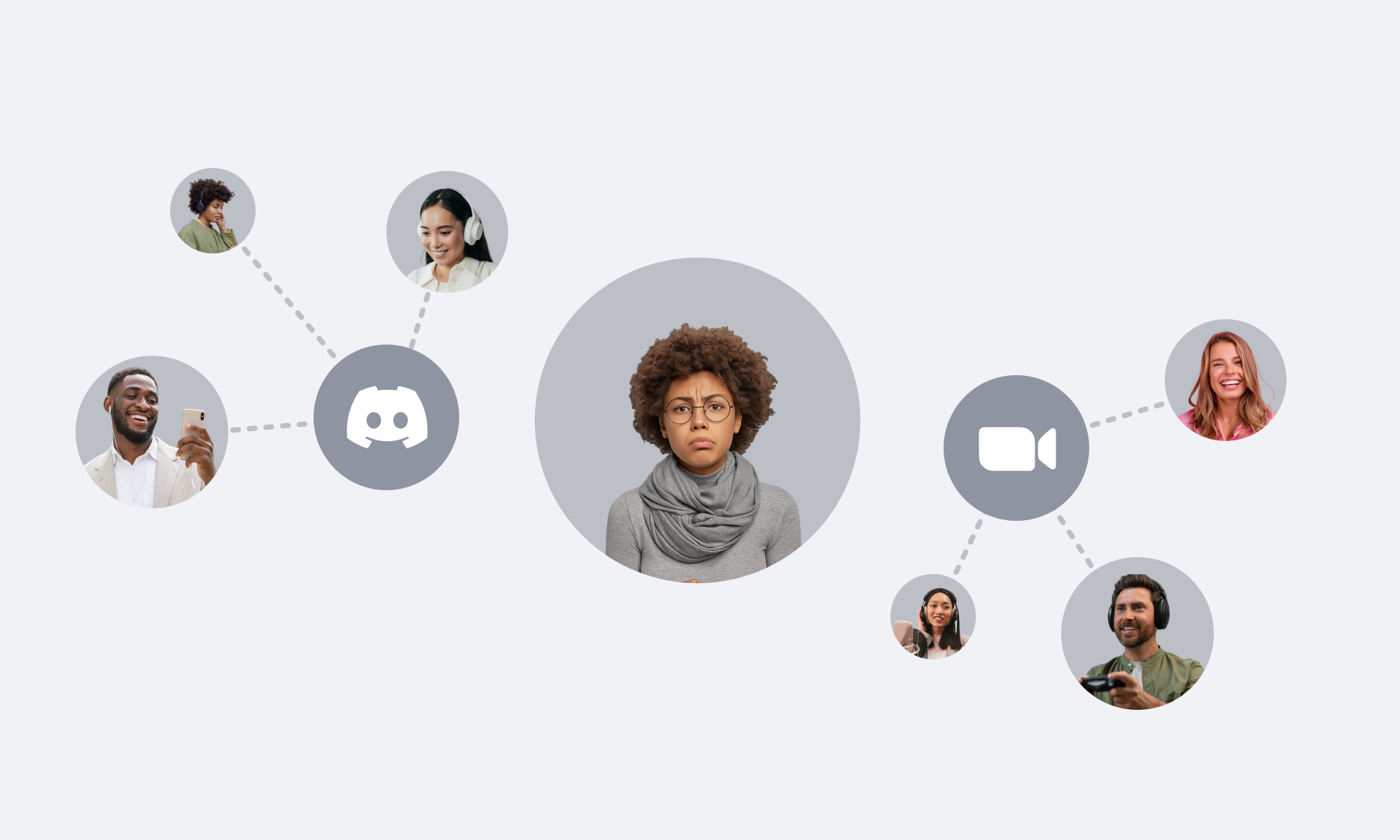
No native guest support
OBS doesn't have a built-in tools for managing guests. You need to rely on external tools and manually manage the audio. This can cause reliability issues!
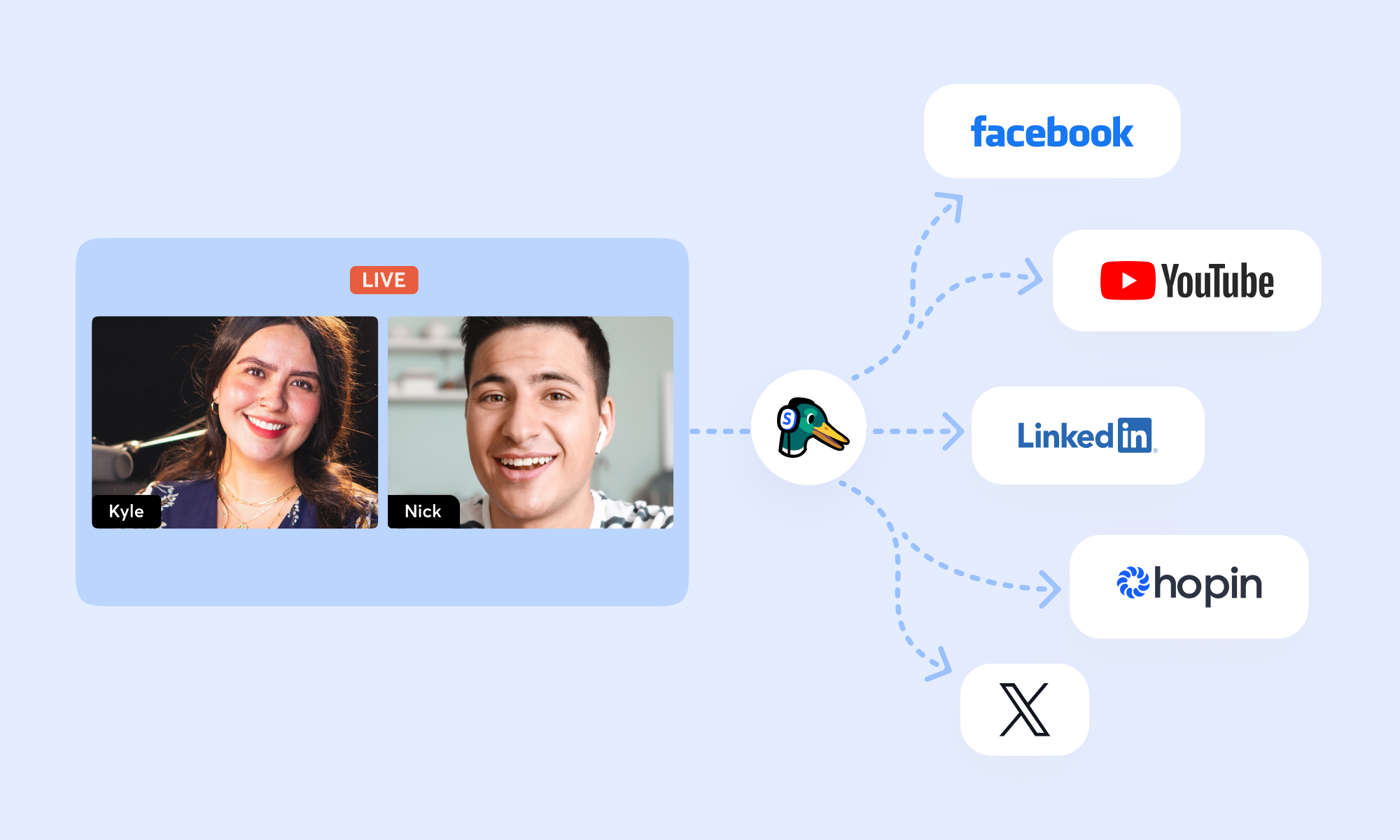
One stream, multiple destinations
With StreamYard, you can broadcast to multiple platforms at once: YouTube, Facebook, and LinkedIn, all from one stream. No extra software or configuration.
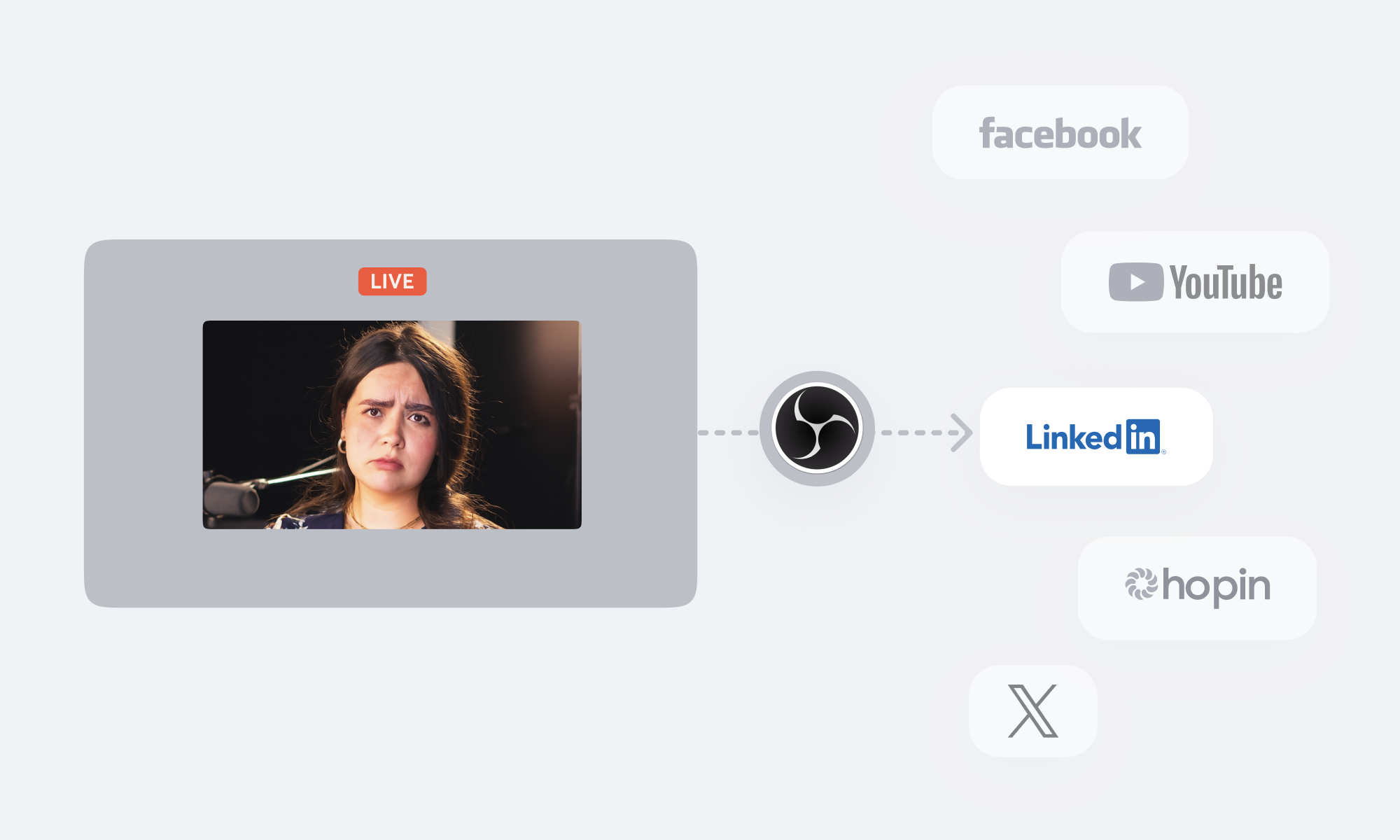
Add-ons for multistreaming
By default, OBS only streams to a single destination. Multistreaming is possible but complicated: you'll need to integrate other services and configure RTMP outputs.
All key features compared
Here's how the two platforms compare in detail.
Easy setup
Pre-made, professional graphics & branding
Built-in multistreaming
Easy guest management
Collaboration with co-host roles
Automatic cloud recording
Shorts / Reels export
Setup time
Yes, browser based
Yes
Yes, up to 8 destinations
Yes, guests join with a link
Yes: owners, admins, cohosts
Yes, download anytime
Yes, built-in smart export
5 minutes
No, complex setup
No, manage branding yourself
No, external tools required
No, requires external tools
No, external tools required
No, only local
No, edit videos yourself
1-3 hours for beginners
Stream better, grow faster
Discover expert tips, practical guides, and real actionables designed to help you create high-quality content, engage your audience, and grow your presence - one stream at a time.
See all posts
Get creating.
Join millions of StreamYard users and start streaming or podcasting today.